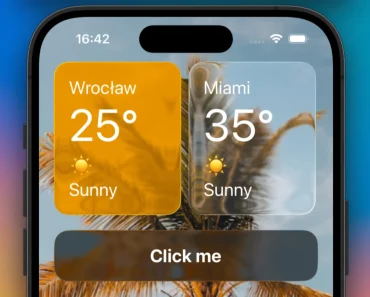
Description:
Expo Adaptive Glass is a React Native UI component library that adds native glass cards, controls, menus, and tab bars to Expo apps.
It adjusts blur, refraction, and highlights according to device capability, frame timing, power settings, and component priority.
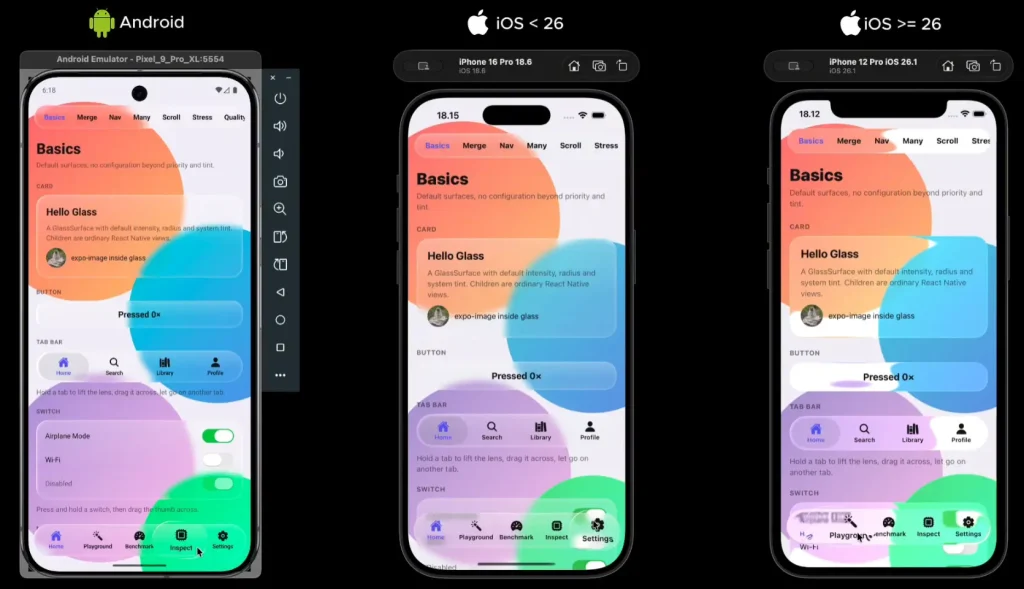
On iOS 26+ it uses Apple’s glass APIs. Other versions and platforms use blur or acrylic rendering according to the available capabilities.
Preview
Install in a development build
The package contains Swift and Kotlin code. Use a development build or EAS Build for native glass. In Expo Go and on web, GlassSurface falls back to a translucent React Native View.
For Android, use npx expo run:android in place of the iOS command.
npx expo install @rbayuokt/expo-adaptive-glass@latest
npx expo run:ios
Add the provider
Mount one GlassProvider above navigation. Its clarity ranges from 0 for frost to 1 for clearer glass, which is the default.
For Expo Router, place the provider in the root layout:
// app/_layout.tsx
import { Stack } from 'expo-router';
import { GlassProvider } from '@rbayuokt/expo-adaptive-glass';
export default function RootLayout() {
  return (
    <GlassProvider quality="auto" clarity={0.7}>
      <Stack />
    </GlassProvider>
  );
}
Create a glass card
On Android, put the background content inside GlassBackdrop and render glass in front of it as a sibling.
import { Text, View } from 'react-native';
import { GlassBackdrop, GlassSurface } from '@rbayuokt/expo-adaptive-glass';
export function Dashboard() {
  return (
    <View style={{ flex: 1 }}>
      <GlassBackdrop style={{ flex: 1 }}>
        <View style={{ flex: 1, backgroundColor: '#4965bb' }}>
          <Text style={{ margin: 32, fontSize: 40, color: '#fff' }}>
            Activity
          </Text>
        </View>
      </GlassBackdrop>
      <GlassSurface priority="high" interactive cornerRadius={24}
        style={{ position: 'absolute', top: 120, left: 24, right: 24, padding: 20 }}>
        <Text>12 tasks completed</Text>
      </GlassSurface>
    </View>
  );
}
Quality and renderer behavior
Forcing a tier stops automatic tier changes at that provider. Platform limits still apply: ultra cannot add shader support to an older Android device.
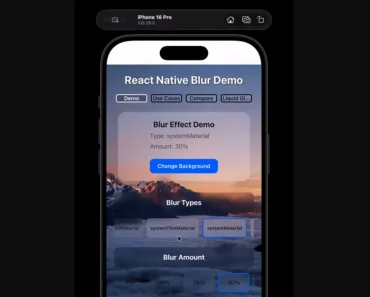
Android 13 and newer can use AGSL refraction with live blur. Android 12 uses native blur. Android 11 and older, plus low-RAM devices, use acrylic. Older iOS devices use native blur in place of iOS 26 system glass.
| Setting | Effect |
|---|---|
quality="auto" | Chooses and updates a quality tier while the app runs |
quality="ultra" | Highest available glass, refraction, and moving highlights |
quality="high" | Glass with reduced edge bending |
quality="medium" | System glass or blur, with no bending or moving highlight |
quality="low" | Frosted acrylic with no live blur |
quality="minimal" | Flat acrylic |
Available components
| Component | Purpose |
|---|---|
GlassSurface | Glass container for ordinary React Native children |
GlassBackdrop | Android blur source |
GlassGroup | Merging glass shapes on supported renderers |
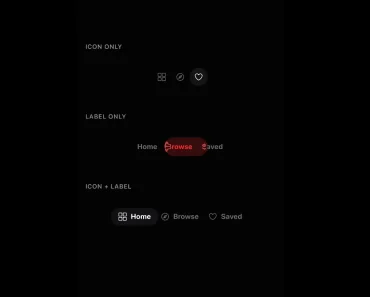
GlassTabBar | Glass navigation bar with a moving selection lens |
GlassSwitch | Controlled switch with a glass thumb interaction |
GlassSlider | Slider with a refractive thumb |
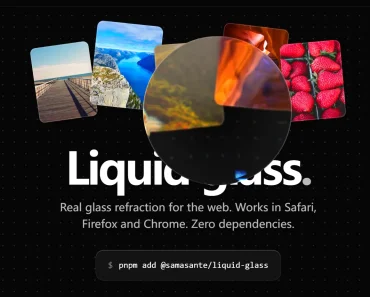
GlassLens | Magnifying glass treatment over child content |
GlassMenu | Expanding button menu with nested submenus |
Styling and priority
A solid backgroundColor on GlassSurface obscures the glass material. Keep appearance controls on the component and use style for layout. Higher-priority components retain live glass longer when the rendering budget shrinks.
| GlassSurface prop | Default | Purpose |
|---|---|---|
style | Unset | Size, spacing, and placement |
cornerRadius | 24 | Corner radius; large values form a capsule |
tint | system | system, light, dark, or a color |
interactive | false | Native press feedback with scale, tilt, and highlight |
priority | normal | critical, high, normal, low, or decorative |
Lists and accessibility
For scrolling lists, share a screen backdrop across the list and bars. Avoid one backdrop per row. Reduce Transparency changes the iOS material to a near-opaque fill, and Reduce Motion stops spring and moving-highlight effects.