Description:
expo-motion-blur is a native Expo component that blurs moving React Native views according to their on-screen velocity.
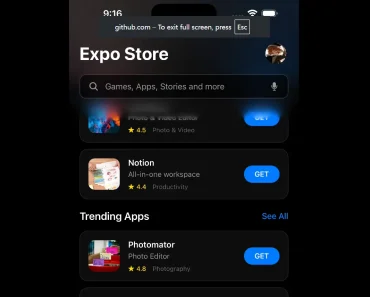
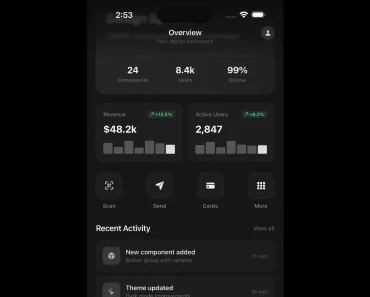
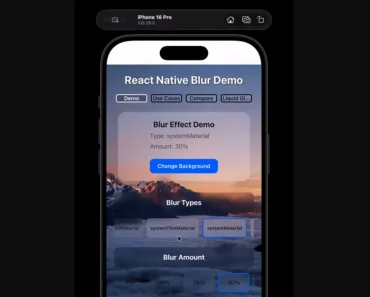
Preview

Features
- Velocity-driven blur around arbitrary child content.
- Per-pixel Metal rendering on iOS and tvOS 16.4 or later.
- Per-pixel runtime shader on Android 13 or later.
- Directional blur along the view’s center of motion on Android 12.
- Plain child rendering on Android 11 and earlier and on the web.
- Controls for maximum blur distance, speed threshold, sample count, and live capture.
How To Use It
Install the native module and compile a development build. On macOS, run the commands below. For Android, replace npx expo run:ios with npx expo run:android after installation. The first local run generates native project files when needed.
Wrap the view animated by your app in MotionBlurView. It accepts standard React Native View props.
This example moves the wrapper through an animated parent:
npx expo install expo-motion-blur
npx expo run:ios
import { useRef } from "react";
import { Animated, Button, Text, View } from "react-native";
import { MotionBlurView } from "expo-motion-blur";
export function MovingCard() {
const x = useRef(new Animated.Value(0)).current;
function move() {
x.setValue(0);
Animated.timing(x, {
toValue: 220,
duration: 450,
useNativeDriver: true,
}).start();
}
return (
<View style={{ padding: 24 }}>
<Button title="Move card" onPress={move} />
<Animated.View
style={{ alignSelf: "flex-start", transform: [{ translateX: x }] }}
>
<MotionBlurView intensity={40} speedForMaxBlur={1500}>
<View style={{ padding: 20, backgroundColor: "#1d4ed8" }}>
<Text style={{ color: "white" }}>New message</Text>
</View>
</MotionBlurView>
</Animated.View>
</View>
);
}Available Component Props
| Prop | Type | Default | Purpose |
|---|---|---|---|
intensity | number | 40 | Maximum streak length on each side, in points. |
speedForMaxBlur | number | 1500 | Speed in points per second that reaches maximum intensity. |
samples | number | 32 | Texture reads per pixel, 4 to 64, on iOS and Android 13+. Higher values smooth blur at greater GPU cost; no effect on Android 12. |
enabled | boolean | true | Disable blur and render children like a plain View. |
live | boolean | false | Recapture changing child content each blurred frame on iOS; ignored on Android. |