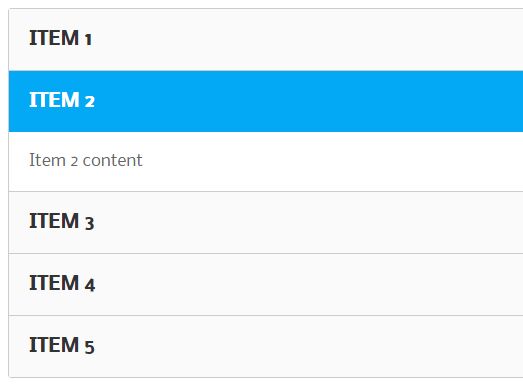
Description:
The @animatereactnative/accordion package delivers a high-performance accordion component for React Native applications.
Built on Reanimated, it handles dynamic content heights while maintaining smooth 60-120fps animations during expand/collapse transitions.

Features
- Reanimated-powered animations at 60-120fps
- Handles dynamic content heights automatically
- Cross-platform support (iOS, Android, Web WIP)
- Sibling component prevents layout shifts
- Composition-friendly API with typed components
- Works with any React Native element
- Expo compatible
- Written in TypeScript
Use Cases
- FAQ sections where answers contain variable-length content
- Settings panels with nested configuration options
- Product detail pages that need to expand technical specifications
- Mobile app menus with collapsible categories
Installation
Install the package alongside Reanimated:
npm install @animatereactnative/accordion react-native-reanimatedUsage
import { Accordion } from '@animatereactnative/accordion';
function Example() {
  return (
    <Accordion.Accordion>
      <Accordion.Header>
        <Text>Section Title</Text>
        <Accordion.HeaderIcon>
          <ChevronUp />
        </Accordion.HeaderIcon>
      </Accordion.Header>
      <Accordion.Collapsed>
        <Text>Preview content</Text>
      </Accordion.Collapsed>
      <Accordion.Expanded>
        <Text>Full expanded content</Text>
        {data && <DataList items={data} />}
      </Accordion.Expanded>
      <Accordion.Always>
        <Text>Always visible footer</Text>
      </Accordion.Always>
    </Accordion.Accordion>
  );
}
For sibling components that might affect layout:
<Accordion.Sibling>
  <OtherComponent />
</Accordion.Sibling>
Component API
- Accordion: Main container managing expand/collapse state
- Header: Clickable area that triggers the toggle
- HeaderIcon: Wrapper for rotation animations (supports clockwise/counter-clockwise)
- Expanded: Content shown when expanded
- Collapsed: Content shown when collapsed
- Always: Content always visible
- Sibling: Wrapper for adjacent components to prevent layout shifts
FAQs
How do I control the accordion programmatically?
The Accordion component exposes isOpen and onChange props for external state management.
Can I customize the animation timing?
The package uses Reanimated’s default spring physics. You’ll need to modify the source for different easing curves.
Why do I need the Sibling component?
It applies matching layout animations to adjacent elements, preventing visual jumps during accordion operations.