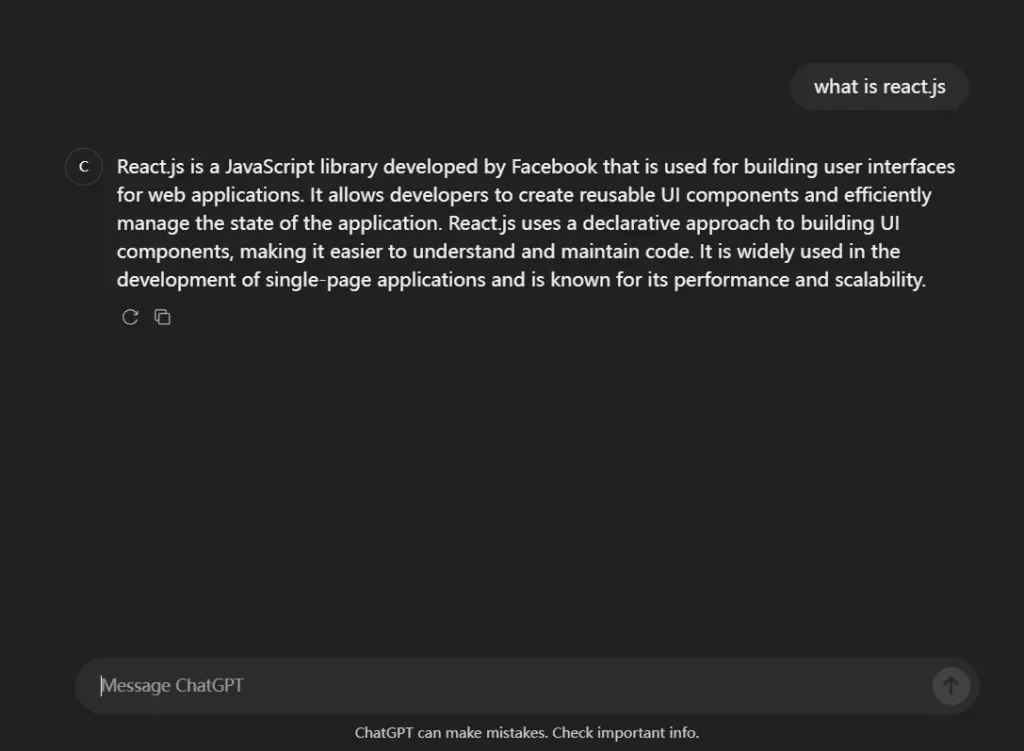
Description:
Assistant-ui is a React component library for creating AI-driven chat interfaces using React tech stack.
It offers seamless integration with popular language models like OpenAI, Anthropic, and more, along with essential UI elements and styling tools like Tailwind CSS and shadcn-ui.
This makes it a powerful resource for developers looking to build and deploy sophisticated AI chat applications quickly.
Installation and Setup
- New Project: Create a new project with the
assistant-uitemplate using:npx assistant-ui@latest create my-app. - Existing Project: Install the package:
npm install @assistant-ui/react. - Backend Setup: Install your preferred provider SDK (e.g.,
npm install @ai-sdk/openai) and configure an API endpoint. - Environment Variables: Set up your API keys in a
.envfile. - Styling: Add the
assistant-uiTailwind CSS plugin to yourtailwind.config.ts. - Usage: Import components like
<Thread>and connect them to your backend endpoint usinguseEdgeRuntime.
Related Resources
- Langchain: A framework for developing applications powered by language models. https://js.langchain.com/docs/
- Vercel AI SDK: A library for building AI-powered applications on Vercel. https://sdk.vercel.ai/
- shadcn/ui: A collection of reusable React UI components. https://ui.shadcn.com/
- Tailwind CSS: A utility-first CSS framework. https://tailwindcss.com/
Previews