Description:
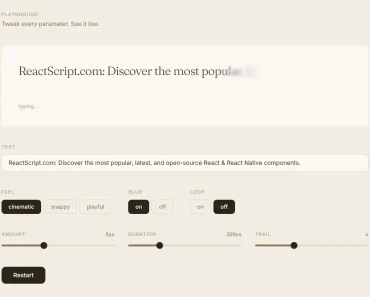
A React Native component to emulate the typewriter auto typing effect.
Installation:
npm install --save react-native-auto-typing-text
Usage:
Import the Auto Typing Text Component.
import AutoTypingText from 'react-native-auto-typing-text';
The example app.
import React, { Component } from 'react';
import {
  View,
  Image,
  Dimensions,
  StatusBar,
} from 'react-native';
import Images from './assets/Images';
import AutoTypingText from 'react-native-auto-typing-text';
const  { width } = Dimensions.get('window');
export default class App extends Component {
  constructor(props) {
    super(props);
  }
  componentDidMount() {
    StatusBar.setHidden(true);
  }
  render() {
    return (
      <View style={{flex: 1}}>
        <Image
          source={Images.rain}
          resizeMode={'cover'}
        >
        <AutoTypingText
          text={`có căn nhà nằm nghe nắng mưa`}
          charMovingTime={80}
          delay={0}
          style={{
            position: 'absolute',
            width: width - 40,
            fontSize: 30,
            color: 'rgba(255,255,255,0.7)',
            backgroundColor: 'rgba(0,0,0,0)',
            margin: 20,
            top: 240,
          }}
          onComplete={() => { console.log('done'); }}
        />
        </Image>
      </View>
    );
  }
}
Props:
{
  // text to type
  text: '',
  // moving speed
  charMovingTime: '50',
  // animation delay
  delay: 0,
  // custom styles
  style: {
    color: 'black',
    fontSize: 14
  },

};
Preview: