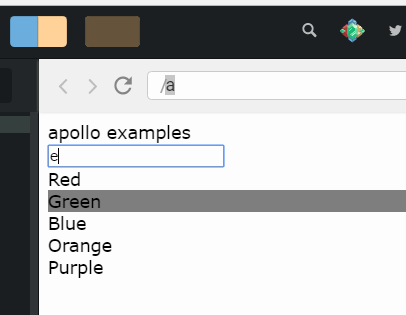
Description:
A highly customizable, easy-to-use autocomplete search component for React.
Features:
- Lightweight React search box component
- Group search results from multiple APIs or other data sources with customisable headings
- Specify the maximum number of listbox options as well as weighted display ratios for each group
- Completely customise listbox options with your own React component. Add images, icons, additional sub-options, differing visual treatments by group or index and much more…
- Display typeahead autosuggest text beneath entered text
- Easily styled with various CSS methods including CSS Modules and Tailwind CSS
- Search input can be easily styled to attach to top of screen at mobile screen sizes with customisable cancel/back button to exit
- Multiple callbacks including:
onSelect,onChange,onTab,onEnterand more… - Built in WAI-ARIA accessibility
- Keyboard highlighting and selection using arrow, Tab and Enter keys
- Automated caching to reduce data fetches
- Debounce text entry to reduce data fetches
- Optional Clear button (customisable)
- Customisable placeholder text
- Add more functionality with plugins
- and much more…
How to use it:
1. Install and import the Turnstone.
# NPM
$ npm i turnstone
import React from 'react'
import Turnstone from 'turnstone'
2. Basic usage:
const App = () => {
  const listbox = {
    data: ['react', 'vue', 'angular']
  }
  return (
    <Turnstone listbox={listbox} />
  )
}
3. Default component props.
autoFocus: false,
cancelButton: false,
cancelButtonAriaLabel: 'Cancel',
clearButton: false,
clearButtonAriaLabel: 'Clear contents',
debounceWait: 250,
defaultListboxIsImmutable: true,
disabled: false,
id: randomId(),
listboxIsImmutable: true,
matchText: false,
maxItems: 10,
minQueryLength: 1,
placeholder: '',
styles: {},
typeahead: true,
Cancel: () => 'Cancel',
Clear: () => '\u00d7'
Preview: