If you’re looking for React data table libraries, then these are the top 10.

If you are creating a web application for data analysis, reporting, or presentation. The core of your application may end up being your data tables.
Data tables are one of the most common elements used in web apps. They are used to display tabular data to their users in the easiest way.
In this article, I have collected the 10 best open-source JavaScript libraries that will help you create awesome, interactive data tables on your React-powered applications. They can be used for various purposes like sales, statistics, budgeting, forecasting, etc. Enjoy.
Last Updated: Dec 25, 2025
1. Handsontable (React Wrapper)
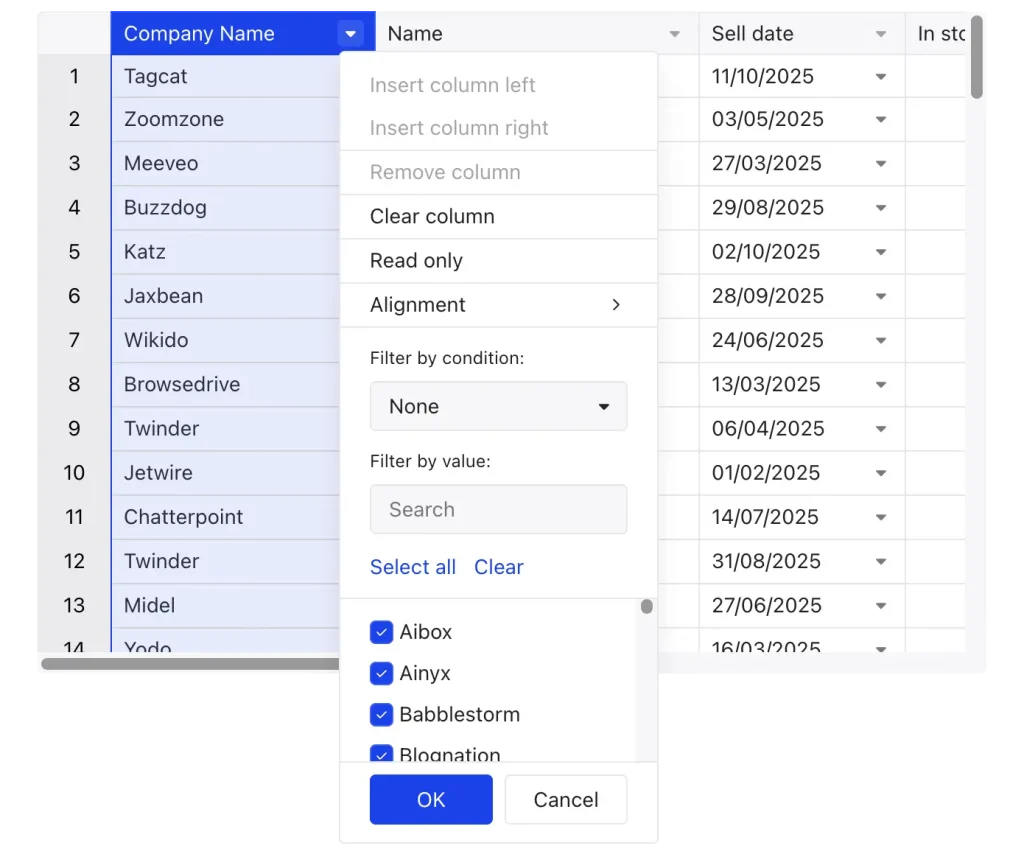
Handsontable is a JavaScript data grid component that provides a spreadsheet-like user experience, complete with features like formulas, sorting, and inline editing.
For React development, it allows you to quickly build data-rich user interfaces using React’s one-way data flow principles.
Features:
- Component-Based Integration: Used as a React component within your JSX.
- Data Flow & Management: Manage the data and state in your parent components (using
useStateor a state management library) and pass the data down to the Handsontable component via props. The grid itself can then emit events (e.g., after a cell is edited) that you handle to update your application’s state. - Customization via Components: You can leverage React components to create custom cell renderers and editors.
- Performance: Built with virtualization for scrolling on both axes.
2. ag-grid
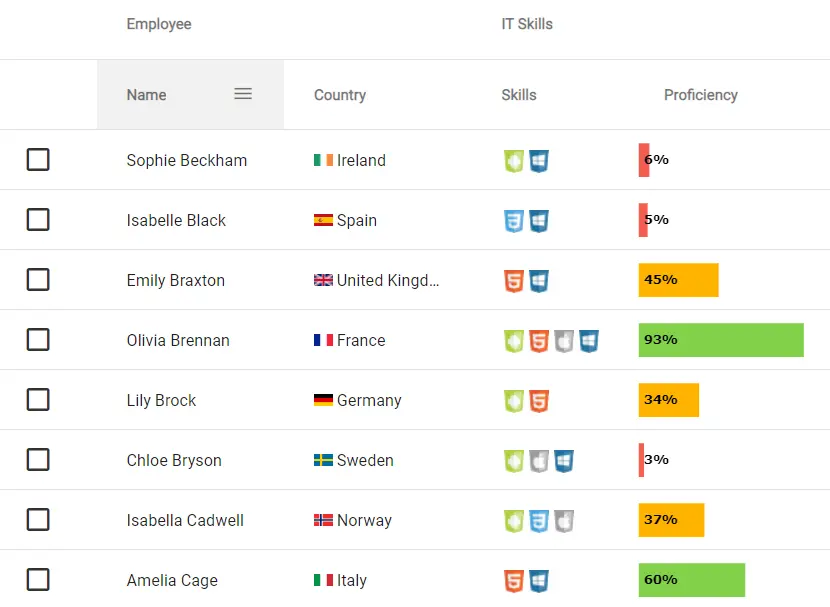
The best JavaScript Data Table for building Enterprise Applications. Supports React / Angular / Vue / Plain JavaScript.
Features:
- MCP Server
- Filtering
- Sorting
- Cell Editing
- CSV Export
- Drag & Drop
- Themes and Styling
- Selection
- Accessibility
- Infinite Scrolling
- Pagination
- Server-Side Data (Advanced)
- Custom Components
- AI Toolkit
- Integrated Charting
- Formulas
- Find
- Range Selection
- Row Grouping and Aggregation
- Pivoting
- Excel Export
- Clipboard Operations
- Master/Detail
- Tree Data
- Column Menu
- Context Menu
- Tool Panels
- Support
3. Glide Data Grid
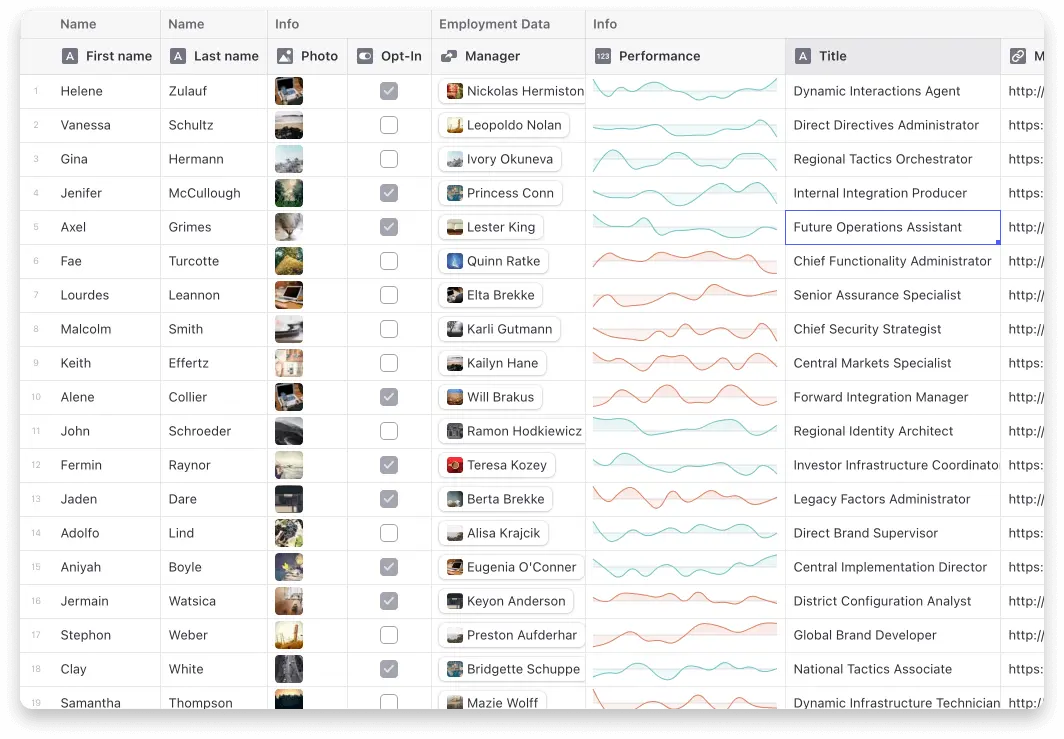
Glide Data Grid is a no-compromise, outrageously fast data grid for your React project, with rich rendering, first-class accessibility, and full TypeScript support.
Features:
- It scales to millions of rows. Cells are rendered lazily on demand for memory efficiency.
- Scrolling is extremely fast. Native scrolling keeps everything buttery smooth.
- Supports multiple types of cells. Numbers, text, markdown, bubble, image, drilldown, uri
- Fully Free & Open Source. You can use Grid in commercial projects.
- Editing is built in.
- Resizable and movable columns.
- Variable sized rows.
- Merged cells.
- Single and multi-select rows, cells, and columns.
- Cell rendering can be fully customized.
4. React Data Table Component
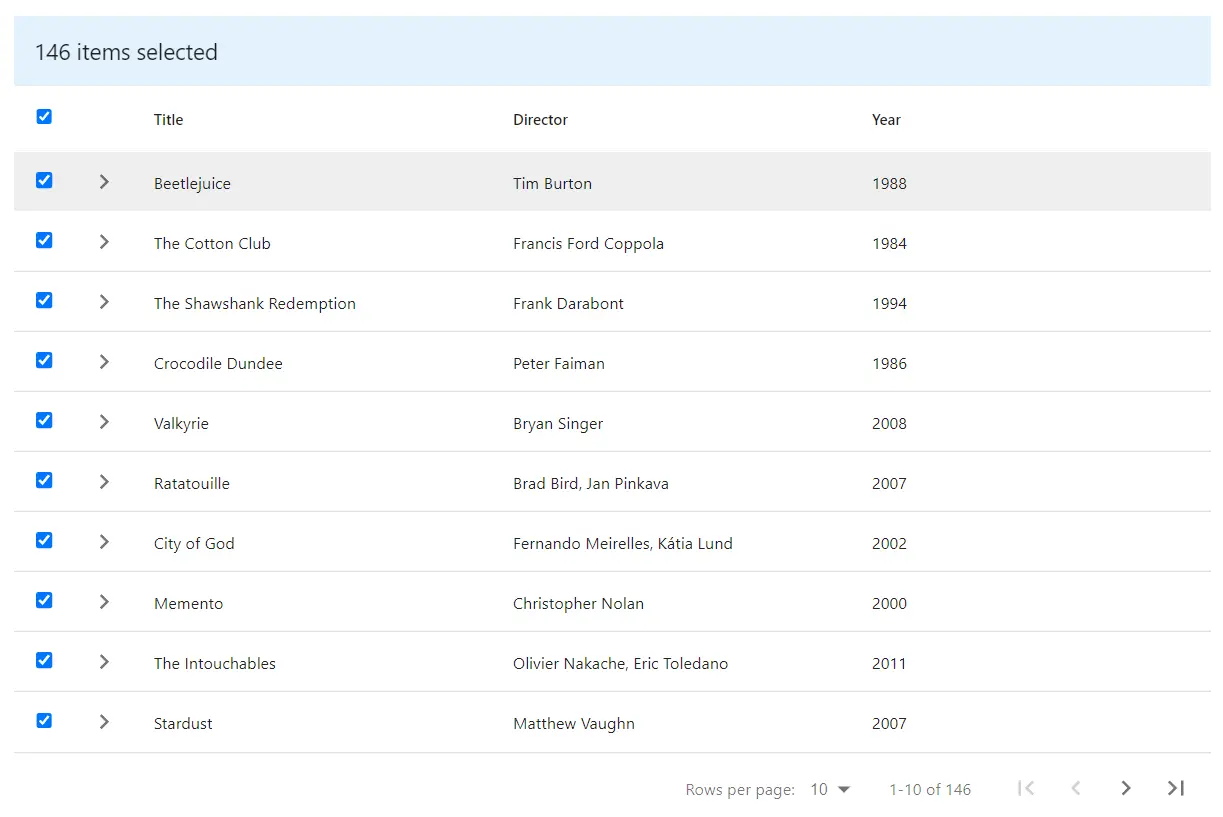
A responsive table library with built-in sorting, pagination, selection, expandable rows, and customizable styling.
Features:
- Declarative configuration
- Sorting
- Selectable Rows
- Expandable Rows
- Pagination
- Themeable/Customizable
- Accessibility
- Responsive (via x-scroll/flex)
5. material-react-table
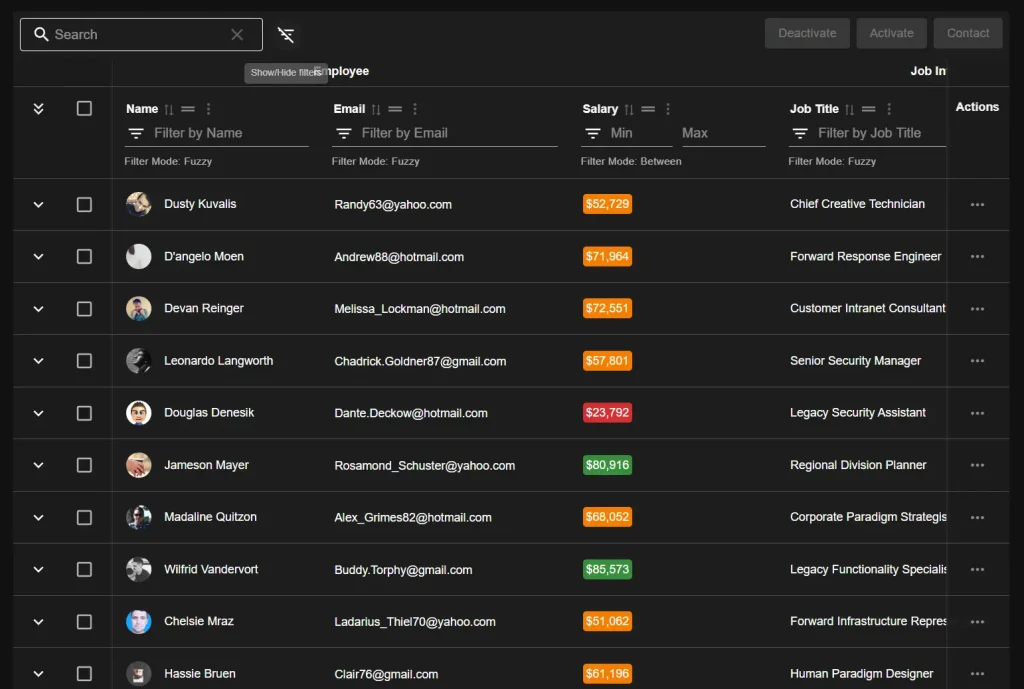
A fully featured Material UI implementation of TanStack React Table, written from the ground up in TypeScript.
Material React Table has most of the features you would expect from a modern table library, including Pagination, Sorting, Filtering, Row Selection, Row Expansion, Column Resizing, Column Reordering, etc.
However, Material React Table also has advanced features that you may not find in other table libraries, such as Virtualization, Aggregation and Grouping, Advanced Filter UIs, Fuzzy Search, Full Editing (CRUD), Column Pinning, Row Pinning, Row Numbers, Click to Copy, and more.
6. Fixed Data Table 2 for React
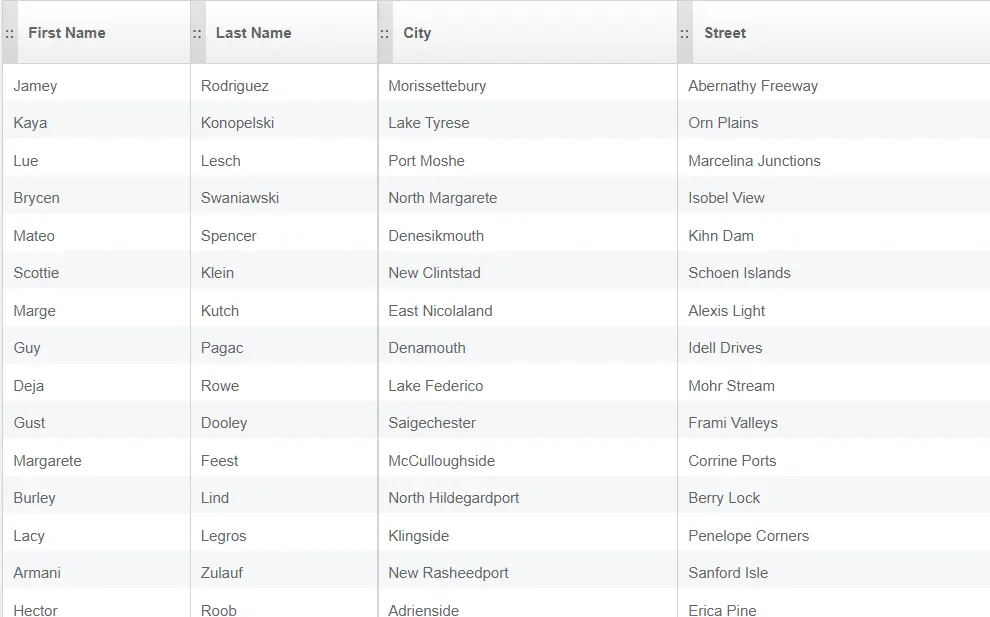
FixedDataTable is a React component for building and presenting data in a flexible, powerful way. It supports standard table features, like headers, columns, rows, header groupings, and both fixed-position and scrolling columns.
The table was designed to handle thousands of rows of data without sacrificing performance. Scrolling smoothly is a first-class goal of FixedDataTable and it’s architected in a way to allow for flexibility and extensibility.
Features:
- Fixed headers and footer
- Both fixed and scrollable columns
- Handling huge amounts of data
- Variable row heights (with adaptive scroll positions)
- Column resizing
- Performant scrolling
- Customizable styling
- Jumping to a row or column
- Controlled scroll API allows touch support
7. ka-table
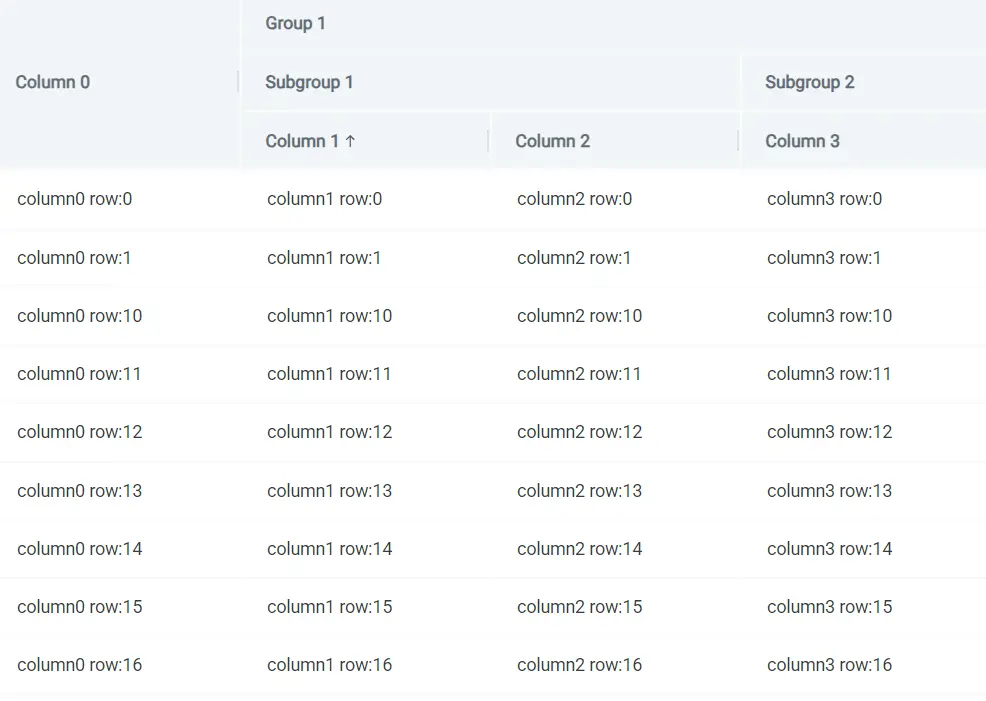
Lightweight MIT React Table component with Sorting, Filtering, Grouping, Virtualization, Editing and many more.
Features:
- Editors for different data types out-of-the-box, and good ability for customization
- All possible events can be added to childElements
- Use predefined filter row with customizable editors or use an extended filter
- Grouping is supported with cell and row customization
- Search by the whole Table is easy
- Multiple & single selection
- Save Table’s state and restore it after page reload
- Validate editor value before applying it
- Virtualization work well with the big amount of data and grouping
8. React Table Library

React Table Library — an almost headless table library — which prioritizes:
- opt-in feature richness
- built-in themes and custom theming
- server-side operations as first-class citizens
- small library size
- pleasant developer experience
- TypeScript support
- SSR support
9. rsuite-table
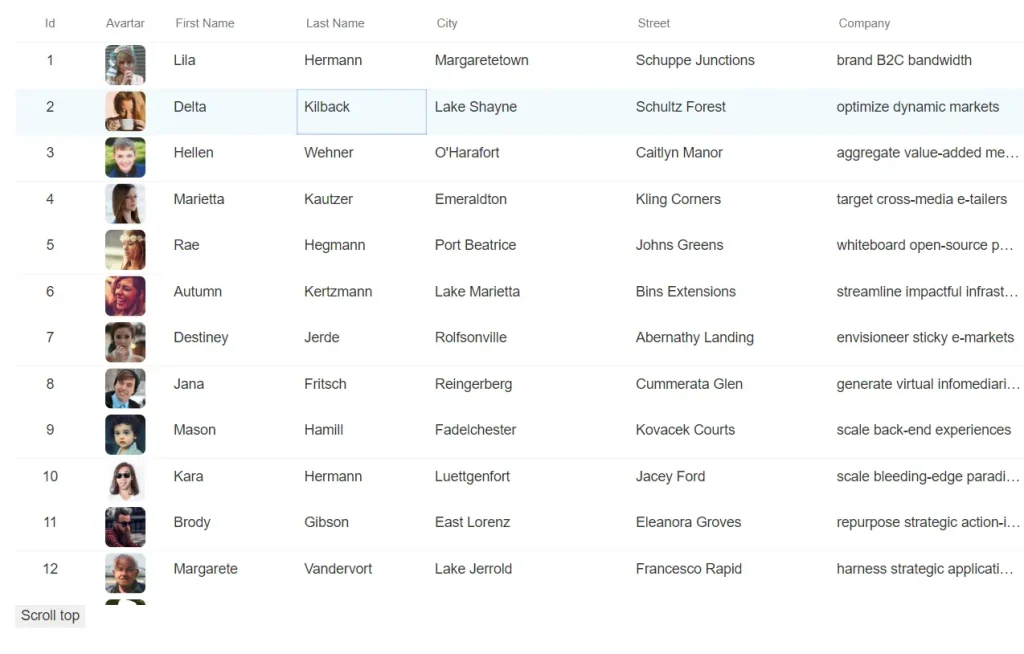
A React table component.
- Support virtualized.
- Support fixed header, fixed column.
- Support custom adjustment column width.
- Support for custom cell content.
- Support for displaying a tree form.
- Support for sorting.
- Support for expandable child nodes
- Support for RTL
10. Editable Table In React

A React component to make the table editable, searchable, and sortable just like a database.
Features:
- Resizing columns
- Cell data types – number, text, select
- Renaming column headers
- Sort on individual columns
- Adding columns to left or right of a column
- Adding column to end
- Editing data in cells
- Adding a new row of data
- Deleting a column
- Changing column data types
- Adding options for cells of type select
Choosing the Right React Data Table Strategy
Handsontable and ag-Grid justify their learning curves when applications demand formula engines, pivoting, or advanced Excel-like features that users expect from desktop business software.
Glide Data Grid and Fixed Data Table 2 excel when rendering performance determines application success, for example, financial terminals displaying real-time market data or analytics dashboards with hundreds of thousands of rows benefit from their canvas-based or virtualization-first architectures.
For standard CRUD applications with moderate data volumes, React Data Table Component and ka-table deliver core functionality without extensive configuration overhead.
Material-react-table serves projects already committed to Material UI design language, while React Table Library fits applications with strict custom design requirements where pre-styled components create constraints.