Uploading files is an important part of any modern business application. Many web and mobile developers use this functionality in their projects.
When you’re building your frontend app there’s a great chance that you’ll need an upload component for accepting files. Choosing the right file uploader for your project may not be as easy as it sounds since there are hundreds of ready-to-use components and around 10 file upload library options available.
We tested popular and well-known solutions with various requirements to provide you with a shortlist of the 7 best React file upload UI components that you can choose from for your next projects. Enjoy!
Originally published June 09 2022, updated Dec 10, 2025
Best File Upload Components For React:
1. Handy File Upload Component For React – React FilePond

This is a React wrapper around the FilePond library, which helps you create elegant, flexible, customizable, drag-and-drop file input in React applications.
- Accepts directories, files, blobs, local URLs, remote URLs and Data URIs.
- Drop files, select on filesystem, copy and paste files, or add files using the API.
- Async uploading with AJAX, or encode files as base64 data and send along form post.
- Accessible, tested with AT software like VoiceOver and JAWS, navigable by Keyboard.
- Image optimization, automatic image resizing, cropping, and fixes EXIF orientation.
- Responsive, automatically scales to available space, is functional on both mobile and desktop devices.
2. Modern File Upload Components & Hooks For React – Uploady

A lightweight library for React that enables you to build (client-side) file-upload features with just a few lines of code. It provides the foundations needed to upload files from the browser.
Features:
- Single & Multiple file uploads
- Upload progress
- Abort running uploads (single, batch, all)
- Retry failed or cancelled uploads
- Image/Video previews of uploading files
- Dynamically updating upload params (headers, etc.)
- Support for drag&drop (including folders)
- Paste to upload
- Chunked uploads
- Resumable uploads (Tus)
- And more…
3. Better Upload

Simple and easy file uploads for React. Upload directly to any S3-compatible service with minimal setup.
Features:
- Fast to set up: It takes only a few minutes to get started and upload files directly to your S3 bucket.
- Beautiful: There are copy-and-paste shadcn/ui components that you can use to rapidly build your UI.
- Own your data: Upload directly to your S3 bucket, so you have full control over files.
4. Drag’n’drop Image Uploader – react-images-uploading

A React component that provides functionality for drag and drop file uploads and image validation. It is lightweight and easy to customize.
5. File Input Management Component For React – react-files

A minimal, zero dependency, file input (dropzone) component for React.
6. bytescale-upload-widget-react
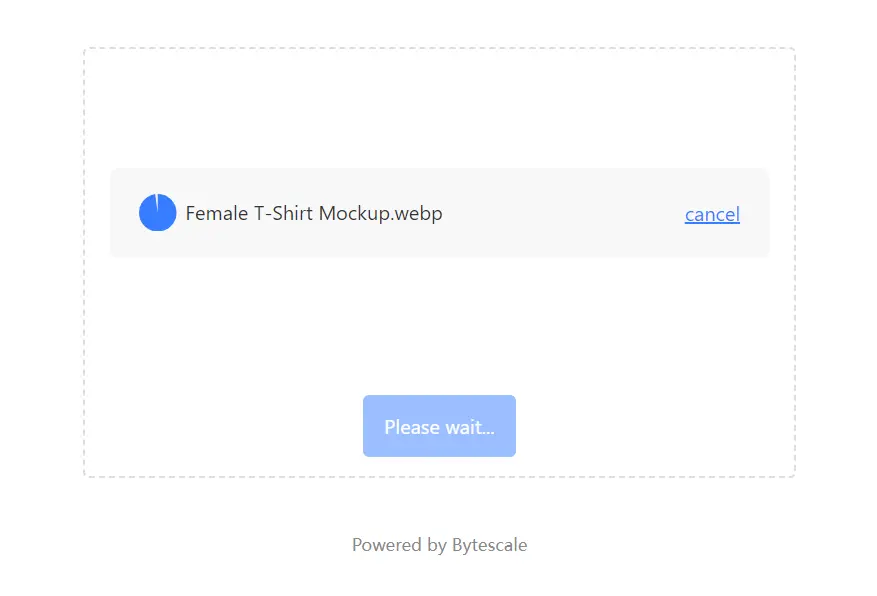
Beautiful File Upload Widget for React. (Works out-the-box, storage included)
Supports: Image Cropping, Video Previews, Document Previews, Drag & Drop, and more.
7. Files ui
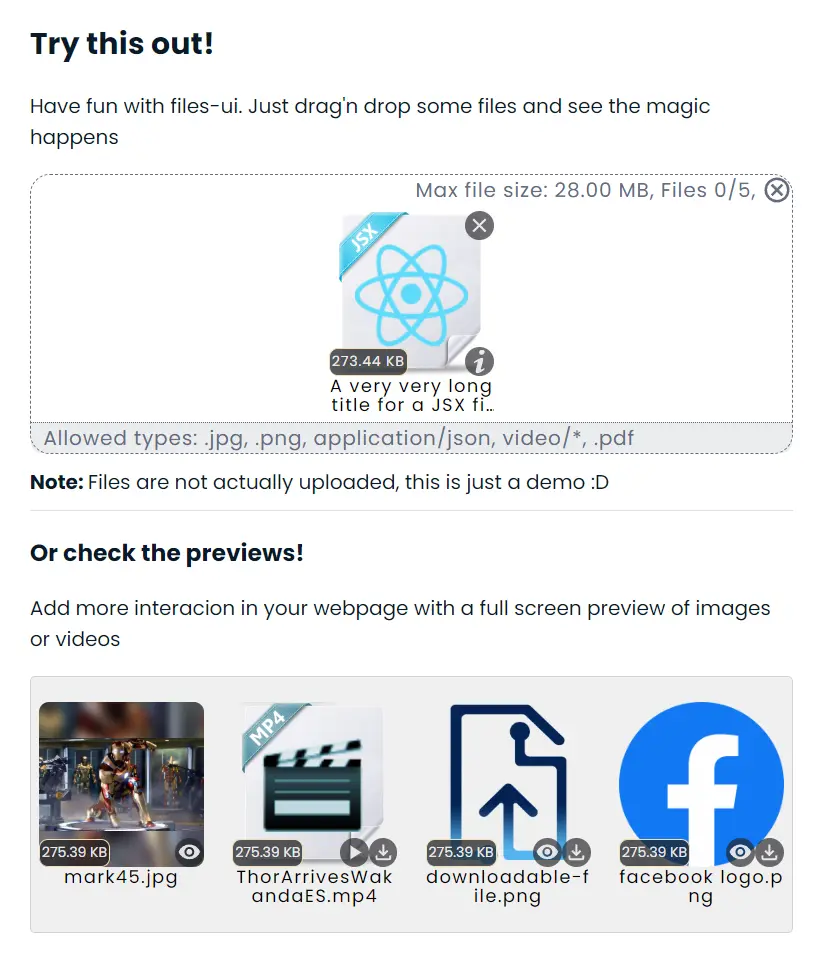
Files UI is a complete library for handling files in the UI. You can validate and upload them.
Final Thoughts:
With React we’re really spoilt for choice when it comes to file upload components, however, not all are created equal.
These are what I currently recommend based on popularity, stability, and the features they provide. Of course, new ones will appear in the future and perhaps one you’ve used is better than those above but for now, here’s my list of best React file upload components for your application.
See Also:
- 10 Best File Upload Components For Vue.js
- 10 Best File upload Libraries In jQuery And Vanilla JavaScript
FAQs
Q: What is a React File Upload component?
A: A React file upload component is a pre-written code package that handles the selection, validation, and transmission of files from a user’s browser to a server. These components often include user interface elements like dropzones and progress bars.
Q: Can I crop images before uploading?
A: Yes. Libraries like React FilePond and Bytescale include built-in image editors. Other libraries may require you to integrate a separate cropping utility.
Q: How do I handle large file uploads in React?
A: You should use a library that supports “chunking.” Uploady supports splitting large files into smaller chunks to prevent timeout errors and allow resumable uploads.
Q: What is the difference between a Headless and UI library?
A: A UI library (like FilePond) provides the visual buttons and layout. A Headless library (like Uploady) provides only the functionality (hooks).