Description:
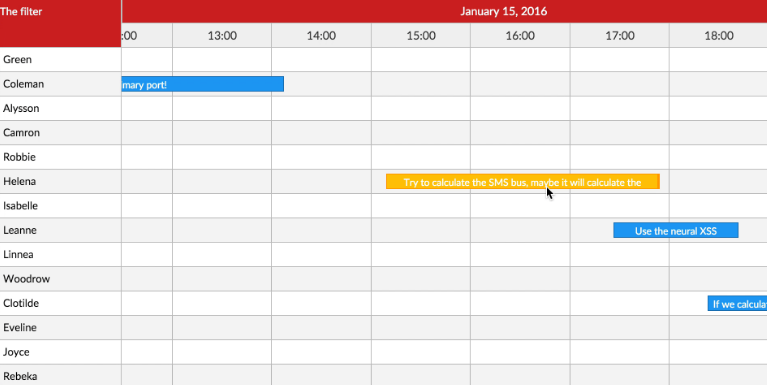
React Daily TimeLine Sheet is a React component that displays working and non-working hours on a horizontal timeline.
It’s perfect for time-tracking apps, schedules, and projects that need clear time management visuals.
Key Features:
- 🎨 Custom colors and styles
- 🕒 12-hour and 24-hour time formats
- 💬 Personalized tooltips
- 📱 Responsive design
- 🚫 Non-working hours support
How to use it:
1. Install and import the React Daily TimeLine Sheet component.
# NPM
$ npm install react-daily-timeline-sheet
import React from 'react';
import TimeLine from 'react-daily-timeline-sheet';
2. Set up your working hours:
const workingHours = [
  {
    start: '09:00',
    end: '17:00',
    title: 'Work',
    status: 'InProgress',
  },
];
3. Use the component in your app:
const App = () => {
  return (
    <div>
      <h1>My TimeLine</h1>
      <TimeLine workingHours={workingHours} />
    </div>
  );
};
4. Customize the timeline:
<TimeLine
  workingHours={workingHours}
  breakpoint="lg"
  workingColor="#578ff2"
  nonWorkingColor="#e0e0e0"
  height="50px"
  borderRadius="12px"
  timeFormat="12h"
  notWorkingCaption="No working hours today"
  renderTooltip={customTooltipFunction}
/>
5. You can create custom tooltips for enhanced information display:
const renderTooltip = (segment) => (
  <div
    style={{
      padding: "5px",
      backgroundColor: "#4d4d4c",
      color: "#fff",
      borderRadius: "3px",
    }}
  >
    <strong>{segment.tooltip}</strong>
    {segment.status && <div>Status: {segment.status}</div>}
  </div>
);
<TimeLine
// ... other props
renderTooltip={renderTooltip}
/>Preview: