Description:
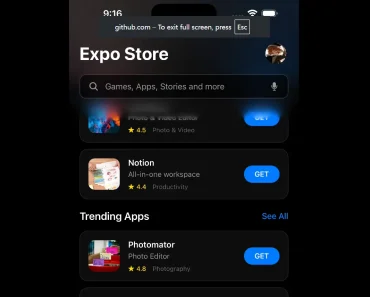
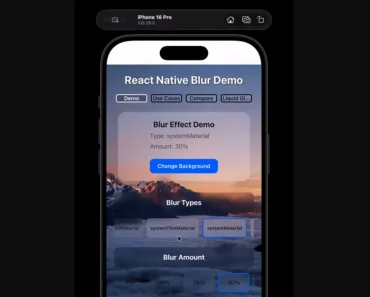
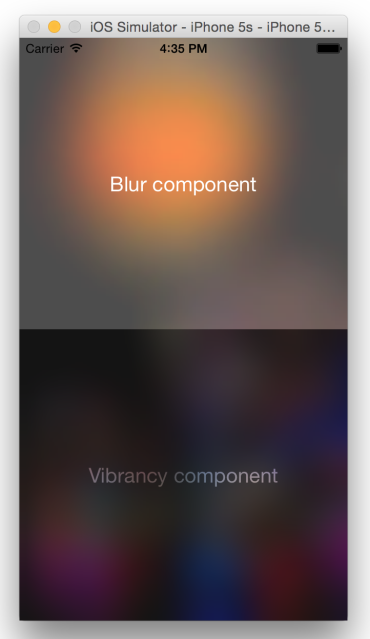
Expo Progressive Blur is a React Native component that recreates the modern, layered, and translucent headers found in native iOS applications like Settings, Wallet, and Music.
Features
- 📱 Native iOS Feel: Implements the signature Apple-style translucent and blurred header effect for a polished user experience.
- 🌀 Progressive Animations: Utilizes
react-native-reanimatedto animate header properties like blur, opacity, and scale in response to scroll events. - 🎨 Gradient Masking: Employs a masked view with linear gradients to create smooth transitions that reveal the blurred content below.
- 🧩 Composable Tech Stack: Built with a collection of well-regarded libraries including
expo-blur,expo-linear-gradient, andexpo-symbols. - 💨 Smooth Transitions: Incorporates soft spring animations for fading elements, which contributes to a fluid and responsive interface.
See It In Action
Use Cases
- Settings Screens: Replicate the native iOS Settings app header, where the title collapses and the background blurs as you scroll through options.
- Music & Media Apps: Create dynamic headers for playlists or artist pages that blur album art or other background images during scroll.
- Profile Pages: Design user profile screens where a large profile picture in the header progressively blurs as the user scrolls through details.
- Content Feeds: Apply the effect to social media or news feeds to maintain a visible, yet unobtrusive, header as content scrolls beneath it.
- Wallet & Finance Apps: Mimic the Apple Wallet interface, where cards or passes scroll behind a translucent, blurred header.
How to Use It
1. Cone the project from GitHub:
git clone https://github.com/rit3zh/expo-progressive-blur2. Install the necessary project dependencies. The project uses bun, but you can also use npm or yarn.
cd expo-progressive-blurbun install3. Start the development server to run the application on a simulator or a physical device.
bun start --reset-cacheRelated Resources
- React Native Reanimated: The official documentation for the library that powers the animations in this component. It is a valuable resource for creating high-performance, gesture-based interactions.
- Expo Blur: Documentation for the
expo-blurmodule, which provides the native blur effect. - React Native Gesture Handler: A library that provides more control over touch gestures and is often used alongside React Native Reanimated for complex interactions.
- React Native Skia: For developers interested in more advanced 2D graphics and effects, React Native Skia offers a powerful engine for drawing custom UI elements.