Description:
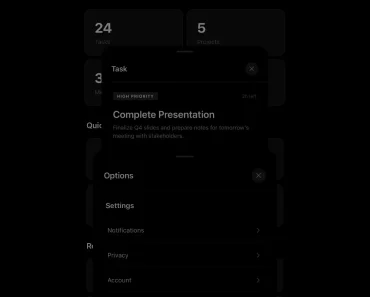
rc-modal is a functional, beautiful, and highly customizable modal & sheet component built with Radix UI and Tailwind CSS.
Basic usage:
1. Install and import the rc-modal component.
# NPM
$ npm install rc-modal-sheet
// Use Framer Motion
import { motion } from "framer-motion"
import { ModalStackContainer } from "rc-modal-sheet"
const App = () => (
  <ModalStackContainer m={motion}>{children}</ModalStackContainer>
)
// Without Framer Motion
import { ModalStackContainer } from "rc-modal-sheet/motion"
const App = () => <ModalStackContainer>{children}</ModalStackContainer>// Use LazyMotion from Framer Motion
import { ModalStackContainer } from "rc-modal-sheet/m"
const App = () => <ModalStackContainer>{children}</ModalStackContainer>// Use TailwindCSS
module.exports = {
darkMode: ["class"],
content: [
"app/**/*.{ts,tsx}",
"components/**/*.{ts,tsx}",
"./node_modules/rc-modal-sheet/**/*.js",
],
}// Without TailwindCSS import "rc-modal-sheet/dist/index.css"
2. Enable a button to trigger a basic modal window.
import { useModalStack } from "rc-modal-sheet"
export const Basic = () => {
  const { present } = useModalStack()
  return (
    <Button
      onClick={() => {
        present({
          title: "Modal Title",
          content: () => (
            <>
              <p>
                This is a modal.
              </p>
            </>
          ),
        })
      }}
    >
      Launch The Modal
    </Button>
  )
}
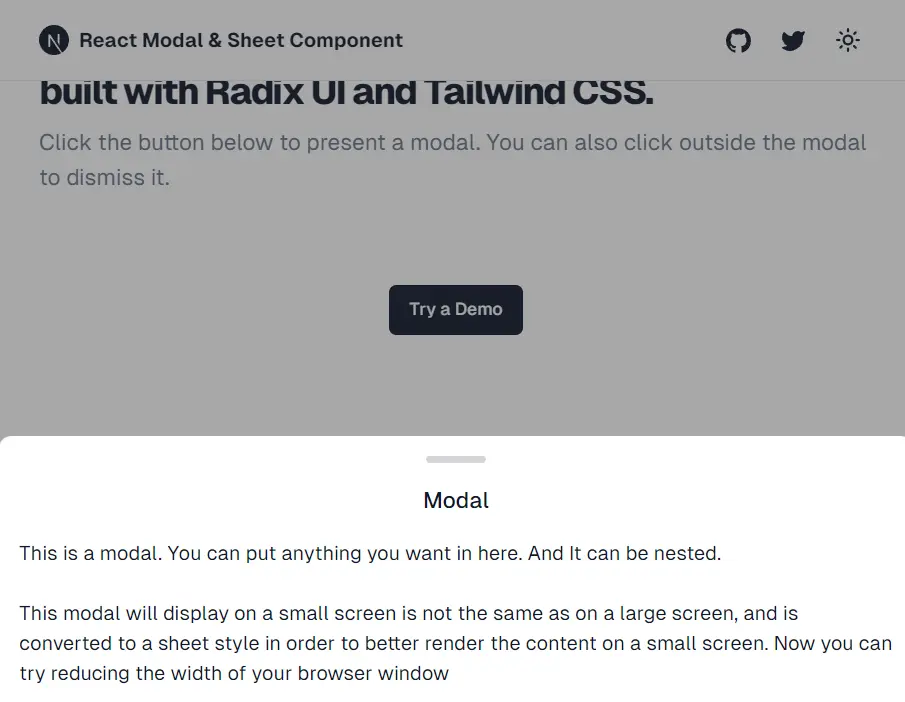
3. The component also provides a Sheet to create iOS-style bottom sheet in your app:
import { useState } from "react"
import { PresentSheet } from "~/sheet"
import { Button } from "@/components/ui/button"
export const MySheet = () => {
  const [open, setOpen] = useState(false)
  return (
    <>
      <Button
        onClick={() => {
          setOpen(true)
        }}
      >
        Open Sheet
      </Button>
      <PresentSheet
        open={open}
        onOpenChange={setOpen}
        content={<div>Sheet Content</div>}
      />
    </>
  )
}
Preview: