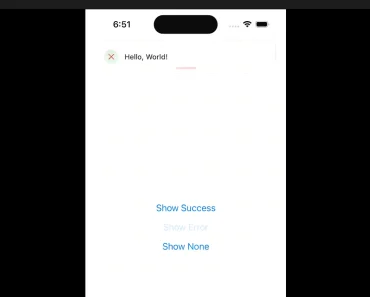
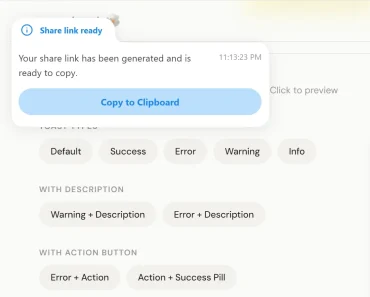
Description:
A lightweight, accessible, customizable, and beautiful toast notification component with Headless Hooks and Promise API.
How to use it:
1. Install & Import the component.
# Yarn
$ yarn add react-hot-toast
# NPM
$ npm i react-hot-toast
import toast, { Toaster } from 'react-hot-toast';2. Create a basic toast notification on your React app.
const notify = () => toast('Toast Message.');
const App = () => {
  return (
    <div>
      <button onClick={notify}>Show The Toast</button>
      <Toaster />
    </div>
  );
};
3. Create Success/Error/Loading toasts.
toast.success('Success Toast');
toast.error('Error Toast');
toast.loading('Loading Message...');
4. Customize the toast notification by passing the following options:
toast('Toast Notification', {
  // Auto dismiss after 4 seconds
  duration: 4000,
  // Styling
  style: {},
  className: '',
  // Custom Icon
  icon: '👏',
  // Change colors of success/error/loading icon
  iconTheme: {
    primary: '#000',
    secondary: '#fff',
  },
  // Aria
  role: 'status',
  ariaLive: 'polite'

});
5. Dismiss or remove toast notifications.
toast.dismiss();
toast.remove(toastId);
// remove all
toast.remove();
Preview: