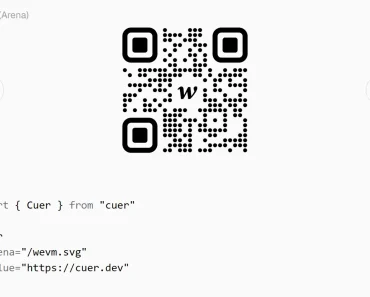
Description:
A React Native component to generate Telegram-style SVG QR codes using react-native-svg.
How to use it:
1. Install & import.
# Yarn
$ yarn add react-native-svg @exzos28/react-native-qrcode-svg
# NPM
$ npm i react-native-svg @exzos28/react-native-qrcode-svg
import React from 'react';
import { StyleSheet, View, Text } from 'react-native';
import { QrCodeSvg } from '@exzos28/react-native-qrcode-svg';
2. Basic usage.
export default function App() {
  return (
    <View style={styles.container}>
      <View style={styles.firstQr}>
        <QrCodeSvg
          value="Hello world!"
          frameSize={200}
          contentCells={5}
          content={
            <View>
              <Text>👋</Text>
            </View>
          }
          contentStyle={styles.box}
        />
      </View>
      <View style={styles.secondQr}>
        <QrCodeSvg
          value="Hello world!"
          frameSize={200}
          contentCells={5}
          content={
            <View>
              <Text>👋</Text>
            </View>
          }
          dotColor="#ffffff"
          backgroundColor="#000000"
          contentStyle={styles.box}
        />
      </View>
    </View>
  );
}
3. Available component props.
export type QrCodeSvgProps = {
  value: string;
  frameSize: number;
  contentCells?: number;
  errorCorrectionLevel?: QRCodeErrorCorrectionLevel;
  backgroundColor?: string;
  dotColor?: string;
  style?: StyleProp<ViewStyle>;
  contentBackgroundRectProps?: RectProps;
  content?: React.ReactNode;
  contentStyle?: StyleProp<ViewStyle>;
  figureCircleProps?: CircleProps;
  figurePathProps?: PathProps;
};
Preview: