A dropdown is one of the most classic UI elements in web design.
Its history can be traced back to the last century and has been popular today.
Even in today’s mobile-first web development, the dropdown is still an indispensable UI element.
In today’s post, you will find the 10 best Dropdown components to help you create user-friendly and mobile-compatible dropdown lists or dropdown menus on modern React and React Native applications. Have fun.
Originally Published July 14 2020, updated Dec 29 2025
Table Of Contents:
Best React Dropdown Components:
1. React Autocomplete/Dropdown/Select Components – downshift
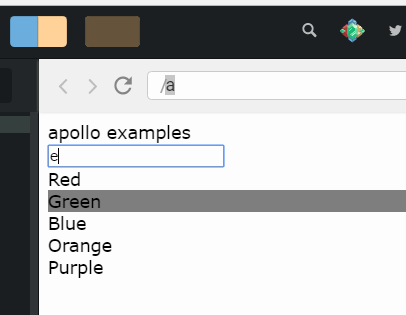
A collection of primitive components that you can compose together to create a simple, flexible, WAI-ARIA compliant React autocomplete/dropdown/select/combobox component which you can reuse in your application.
2. Lightweight Dropdown Select Component For React – select-search

A lightweight, accessible, headless select component with support for groups, live search, multi select, async loading, and much more.
- Lightweight, with zero dependencies
- Accessible
- Headless mode
- Basic HTML select functionality, including multiple
- Search/filter options
- Async options
- Apply renderers to change markup and behavior
- Keyboard support
- Group options with group names, you can search group names
- Fully stylable
3. Simple Dropdown Component For React

Simple Dropdown component for React that helps you style the default HTML select element with support for grouped options.
4. Dropdown Tree Select Component For React
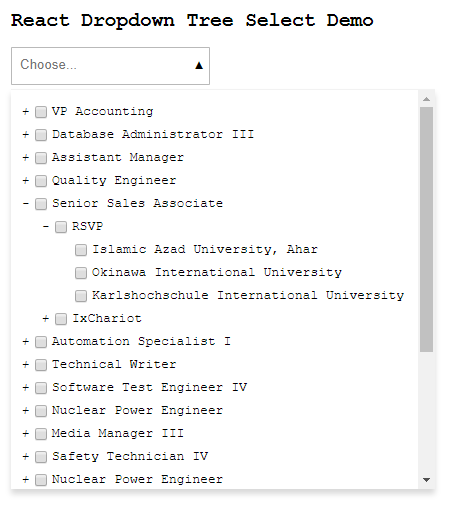
A lightweight and fast control to render a select component that can display hierarchical tree data. In addition, the control shows the selection in pills and allows user to search the options for quick filtering and selection.
5. Multiple Selection Dropdown Component For React
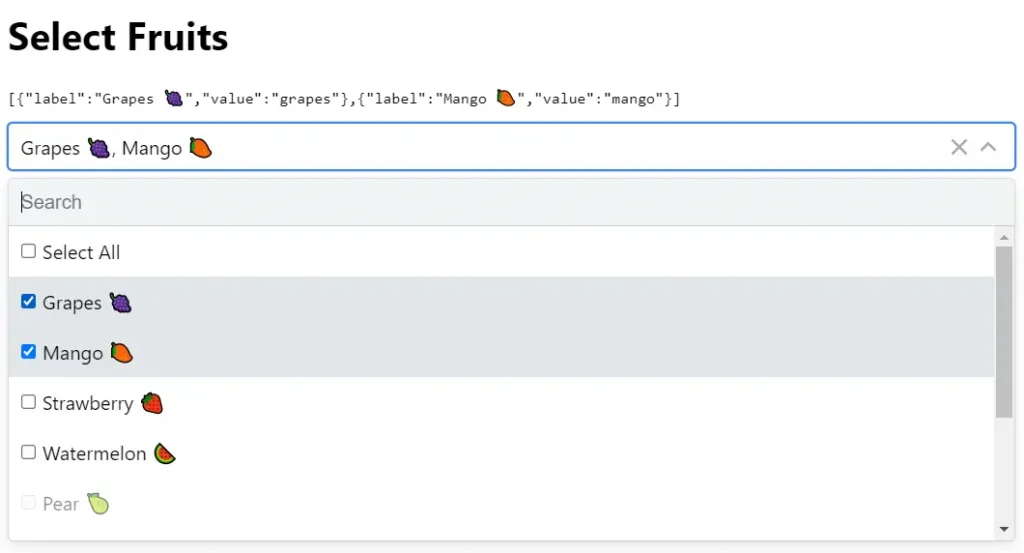
A lightweight, zero-dependency, themeable multiple select component with support for check boxes, select all, and live search.
Best React Native Dropdown Components:
1. React Native Picker Select Component
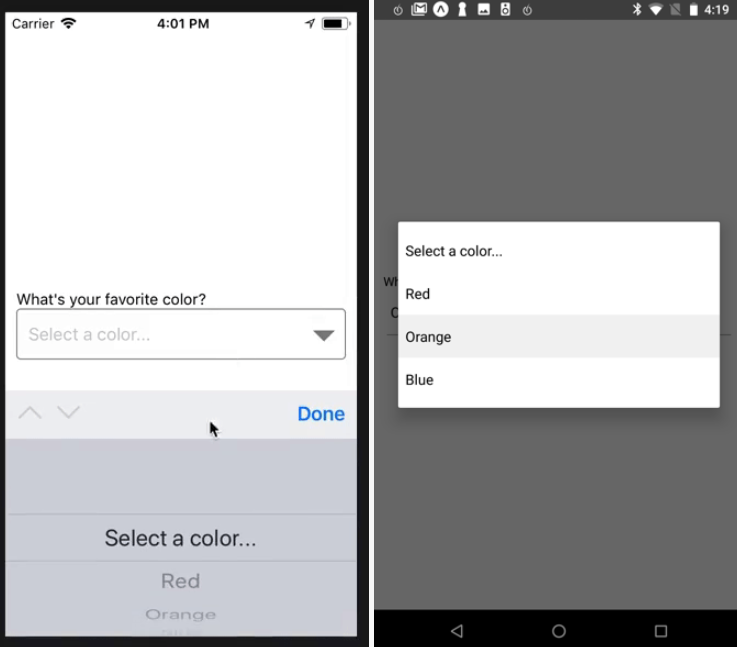
A Picker component for React Native that emulates the native <select> interfaces for iOS and Android.
For iOS, by default we are wrapping an unstyled TextInput component. You can then pass down styles to customize it to your needs.
For Android, by default we are using the native Picker component. If you prefer, you can set useNativeAndroidPickerStyle to false, which will also render an unstyled TextInput component. You can then pass down styles to customize it to your needs.
For either platform, you can alternatively pass down a child element of your choice that will be wrapped in a touchable area.
2. react-native-element-dropdown
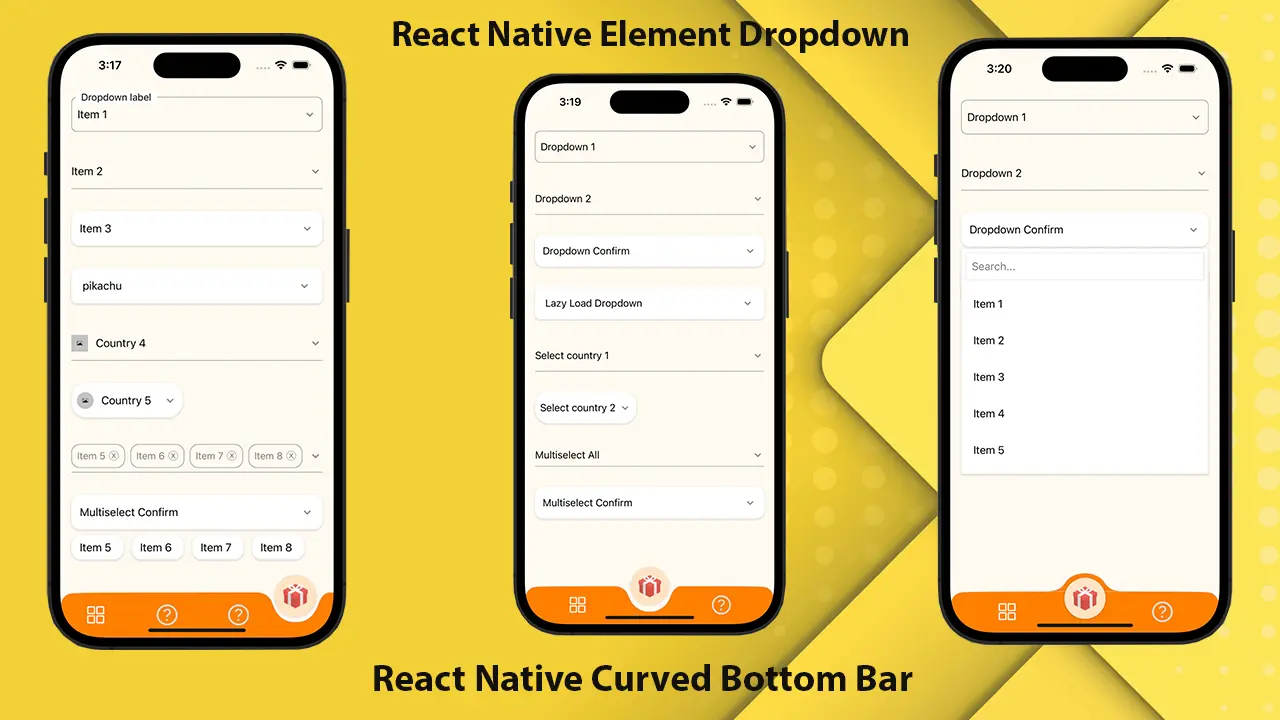
A React Native dropdown component that is easy to customize for both iOS and Android. Customizable font size, colors, and animation duration.
- Dropdown and Multiselect in one package
- Easy to use
- Consistent look and feel on iOS and Android
- Customizable font size, colors and animation duration
- Implemented with typescript
3. React Native Dropdown Picker

A single/multiple, categorizable, customizable, localizable, and searchable item picker (drop-down) component for react native, which supports both Android & iOS.
4. Customizable Select Dropdown For React Native
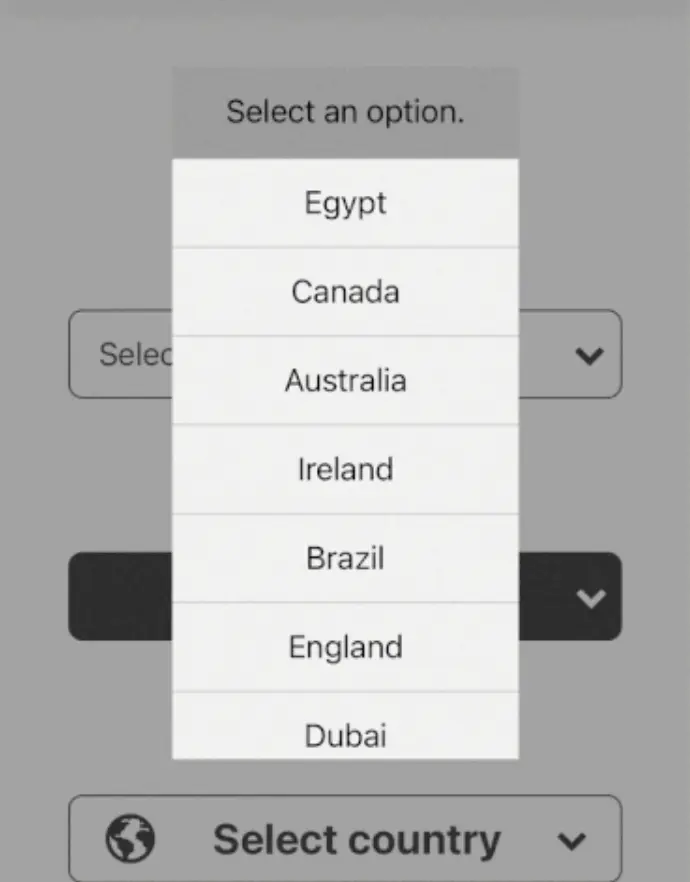
A feature-rich and highly customizable select dropdown component for React Native.
5. react-native-select-pro

React Native dropdown (select) component:
- Customizable
- Multiple
- Sections
- Searchable
- Accessible
- TypeScript support
More Resources:
There are lots of web & mobile dropdown libraries out there and you can find more React & React Native resources about dropdown in our Dropdown category.
See Also:
- 10 Best Dropdown Plugins To Replace The Native Select Box
- 7 Best Vue Dropdown Components To Beautify & Enhance Select Box
- 10 Best Multiple Select Components For React & React Native