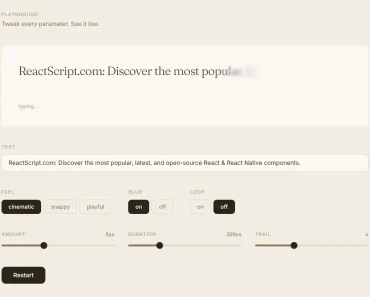
Description:
The Marquee View is a component that allows you to animate text in React Native applications. It was inspired by the marquee HTML tag and its purpose is to animate text with horizontal scrolling.
How to use it:
1. Install and import the Marquee View component.
# Yarn
$ yarn add react-native-marquee-view
# NPM
$ npm i react-native-marquee-view
import MarqueeView from 'react-native-marquee-view';
2. Add scrolling text to the marquee view.
<MarqueeView
  style={{
    backgroundColor: '#222',
    color: '#fff',
    width: 400,
  }}>
  <View style={{ backgroundColor: 'red' }}>
    <Text>This is Scrolling Text</Text>
  </View>
</MarqueeView>
3. Available component props.
- style: view styles
- speed = 0.1: animation speed
- delay = 0: Delay in ms
- autoPlay = true: Autoplay
- playing: Is playing
4. Start & stop the animation.
start()
stop()
Preview: